Overview
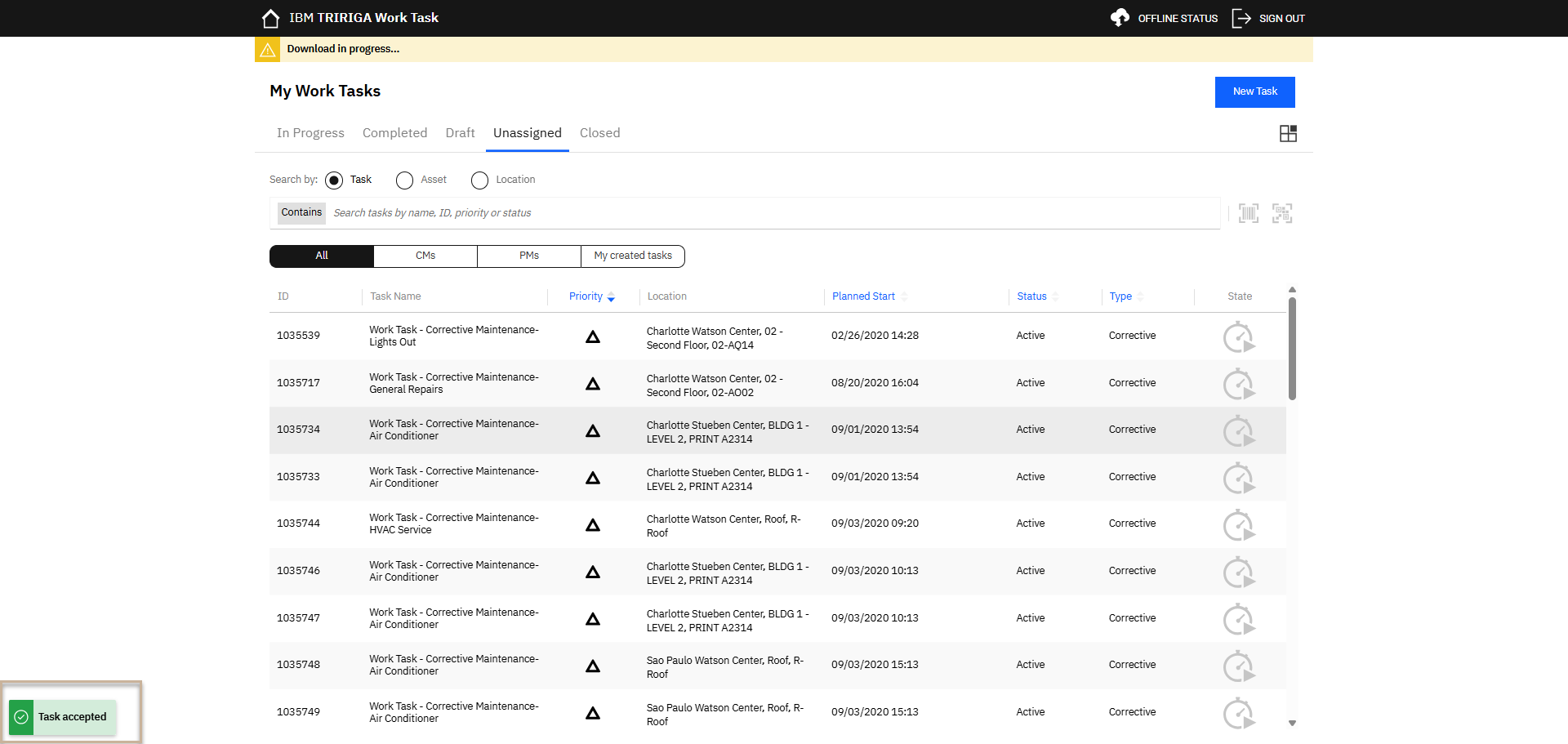
Technicians can self-assign available work tasks to help balance workload and respond quickly to operational needs. By selecting and accepting unassigned tasks, they proactively support their team, reduce backlogs, and improve overall response times.
Role
- Technician
Script
Summary of Steps:
1) Login
2) View Unassigned Work
3) Self Assign Work
Step Detail:
1) Login
Login to http://frs-qa.usgov.tririga.com/p/web/workTask
2) View Unassigned Work
Navigate to the Unassigned Queue
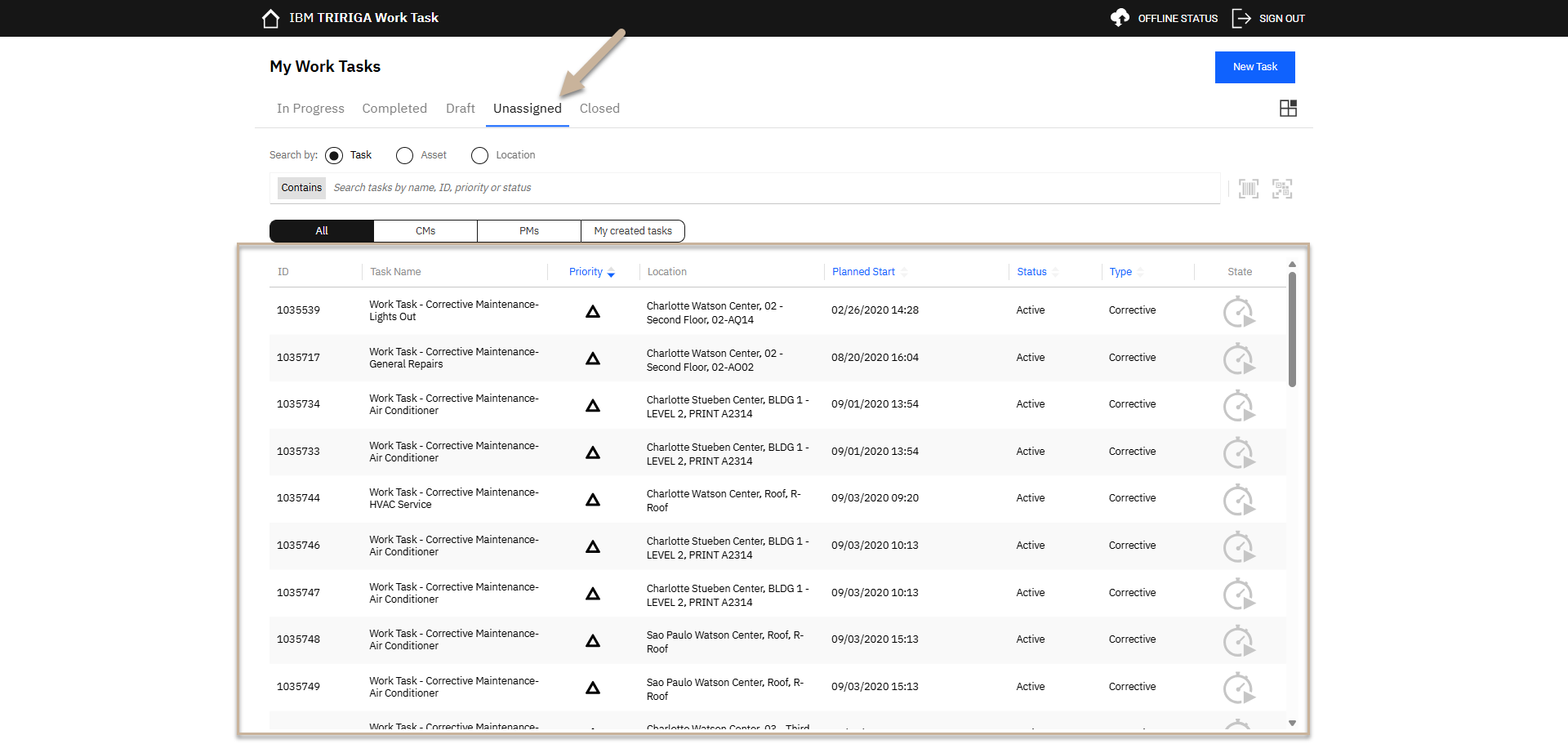
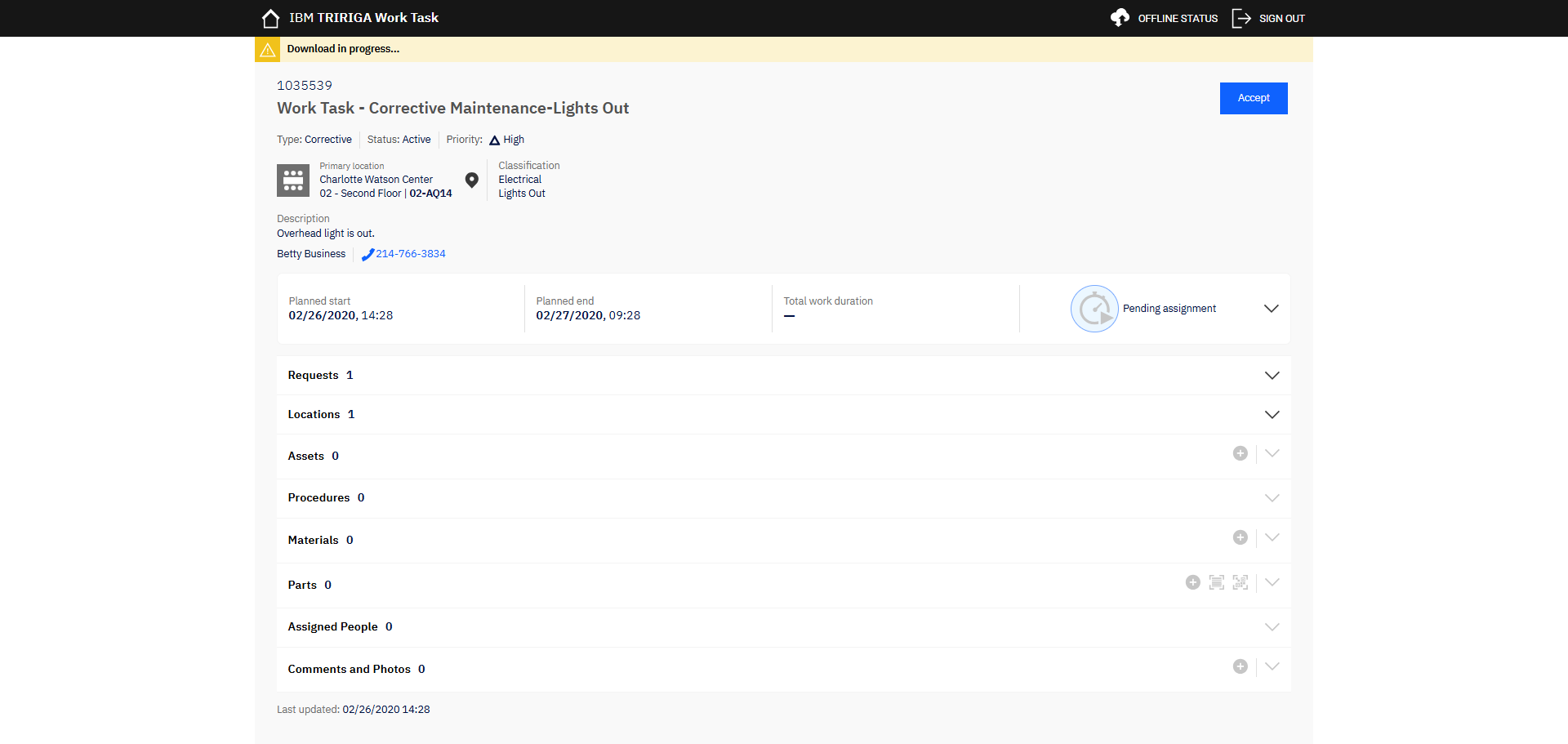
Open a Work Task that you want to self assign
3) Self Assign Work
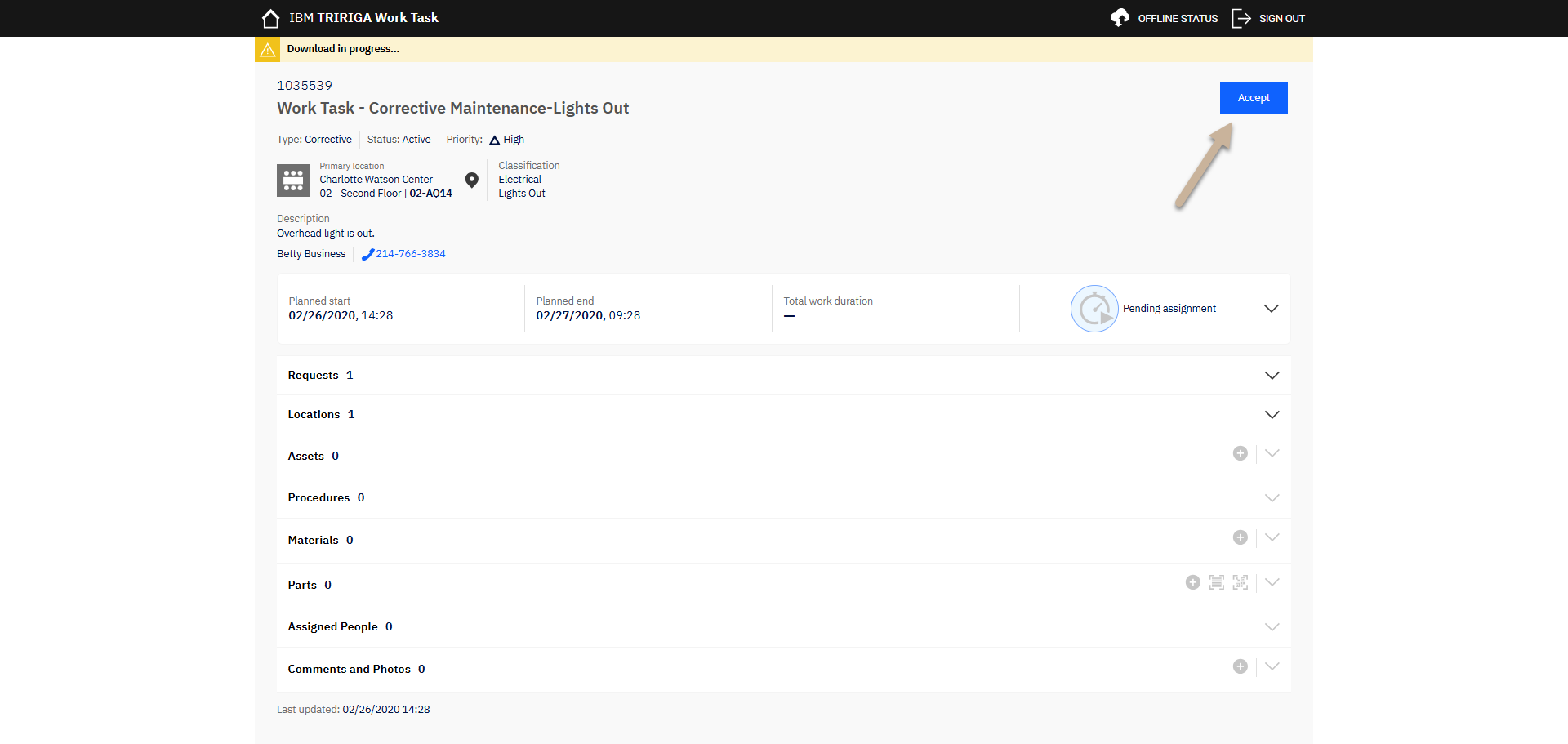
Accept the work to self assign.
Outcome
The Work Task will be assigned to you.